
At some point in your trading journey you might need to draw an official tax report from Velocity Trade. You can use this report when submitting your tax information to SARS. Along with this report there are many different reports available for you to generate should the need arise. To get any of these reports, follow the below instructions:
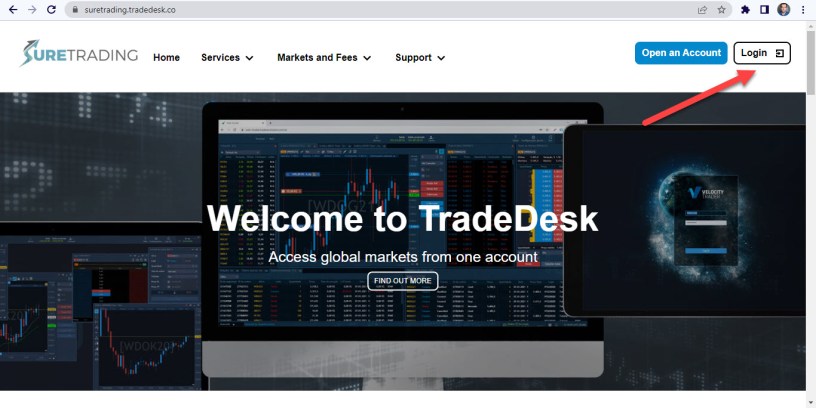
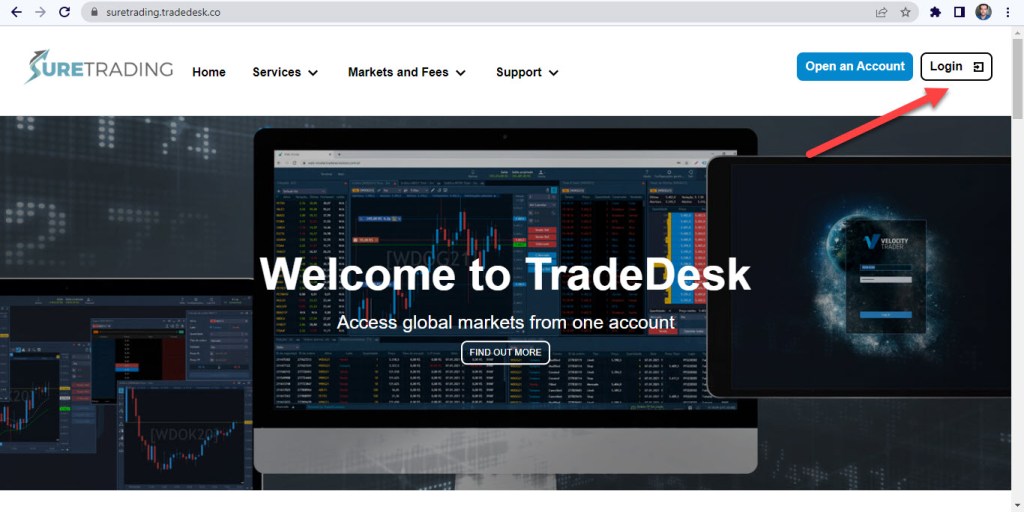
- Firstly, you’ll have to login to Velocity’s Trade Desk on https://suretrading.tradedesk.co/ by clicking on the login button in the top right hand corner.
2. You will need to use the login credentials you created when you first signed up for your Velocity Trader Account.
3. You will also need to enter a OTP which will be sent via text to your mobile.
4. Once logged in, click on “reporting” in the left margin.

5. You will then be prompted to select the account you wish to draw a report of and then a list of available reports will come up.
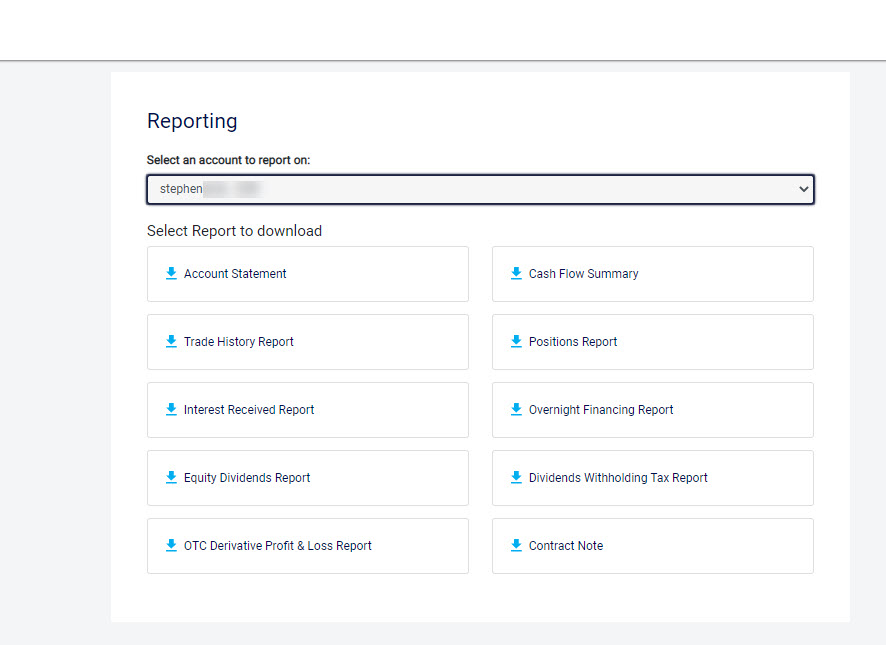
6. You then click on the desired report and it will be downloaded onto your computer.
To join our vibrant trading community, visit our website on http://www.suretrading.co.za
 /Blog
/Blog 